A markdown editor that gets out of the way
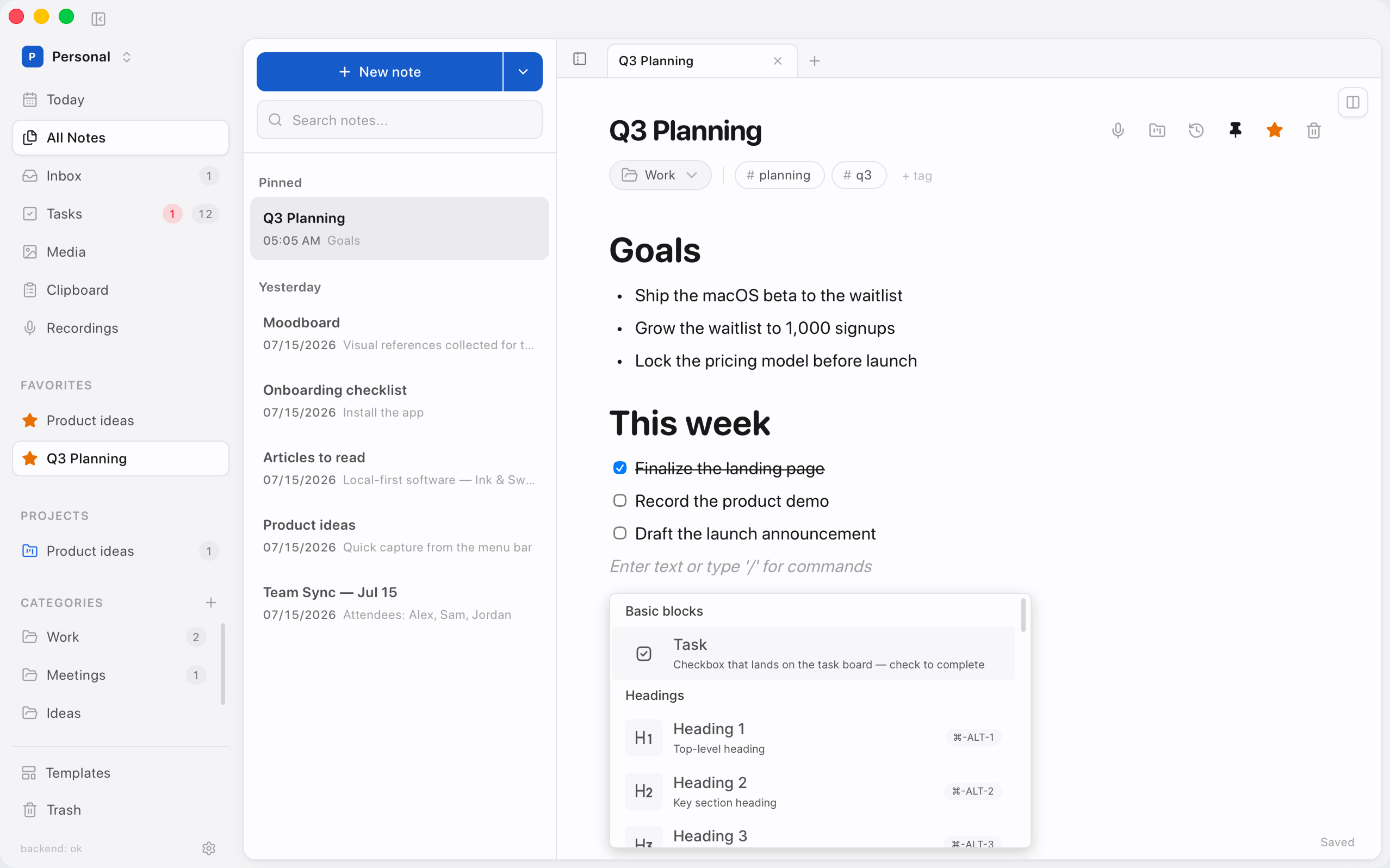
Write in clean markdown, see it rendered live. Slash commands, checkboxes, code, and instant search. No chrome, no clutter.
Your notes, tasks & meetings: private, on-device, AI-native.
Local-first by default · Waitlist gets free access · Later becomes paid

Product
A native macOS app for the whole workday. One window, every view.
Editor
Live markdown, slash commands, wiki-links and checkboxes — the quiet kind of power that stays out of your way.
Everything, one calm place
Markdown, tasks, projects and meetings share one local-first workspace, with AI that runs on your Mac and only ever suggests. Optional online features stay yours to enable or shut off.
Write in clean markdown, see it rendered live. Slash commands, checkboxes, code, and instant search. No chrome, no clutter.
Apple Foundation Models, Ollama, or bring your own. It suggests, you approve. Nothing leaves your Mac unless you say so.

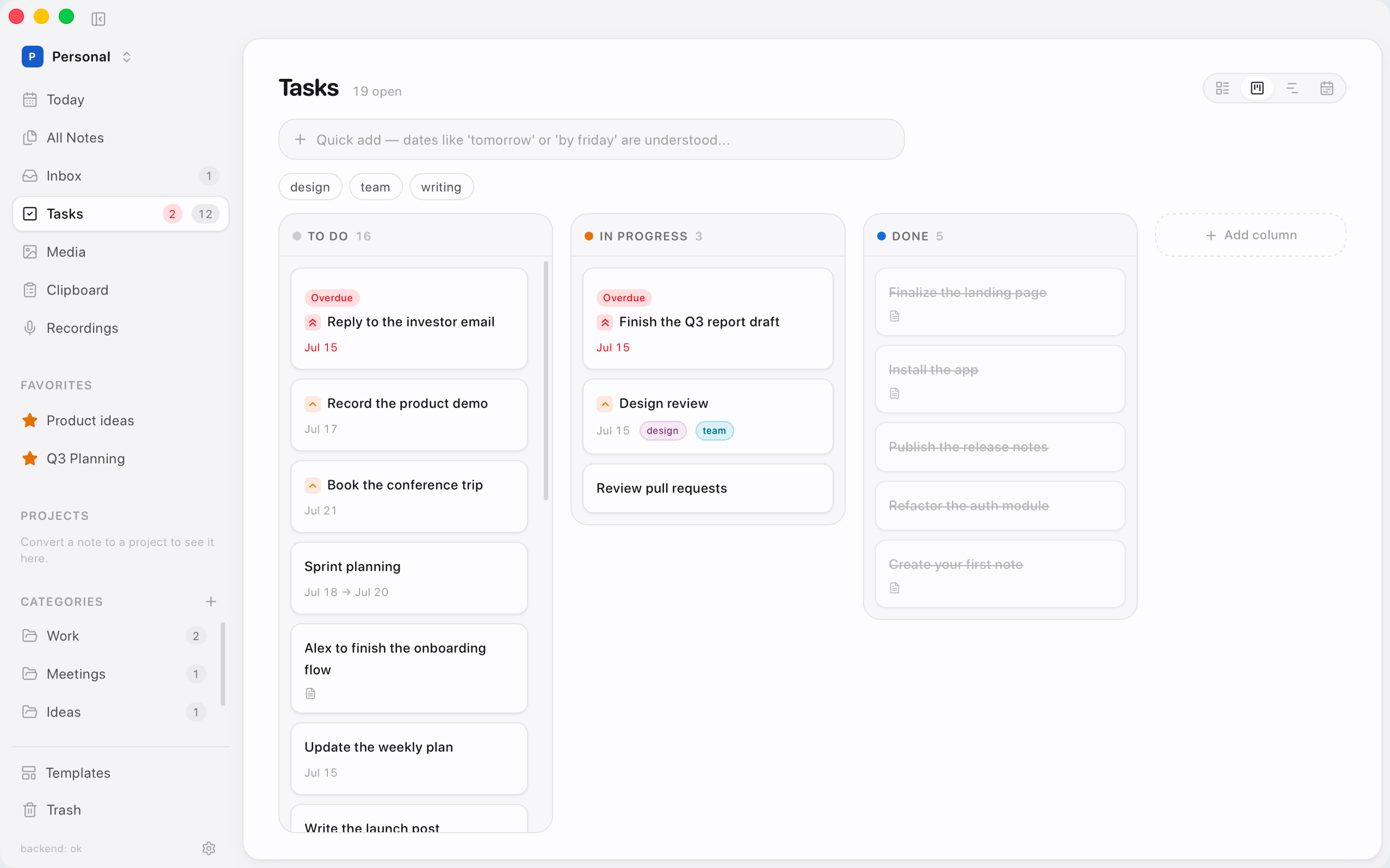
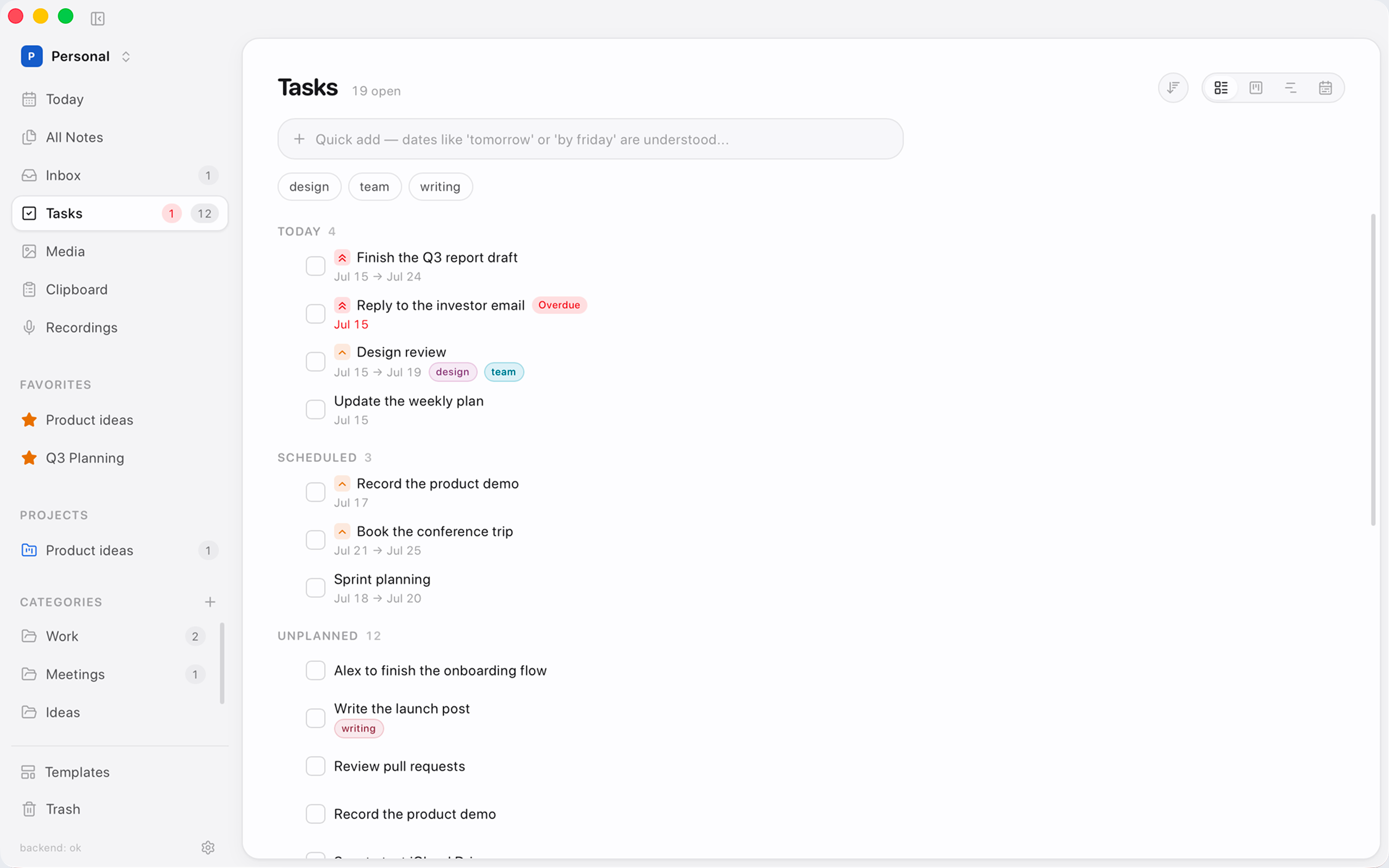
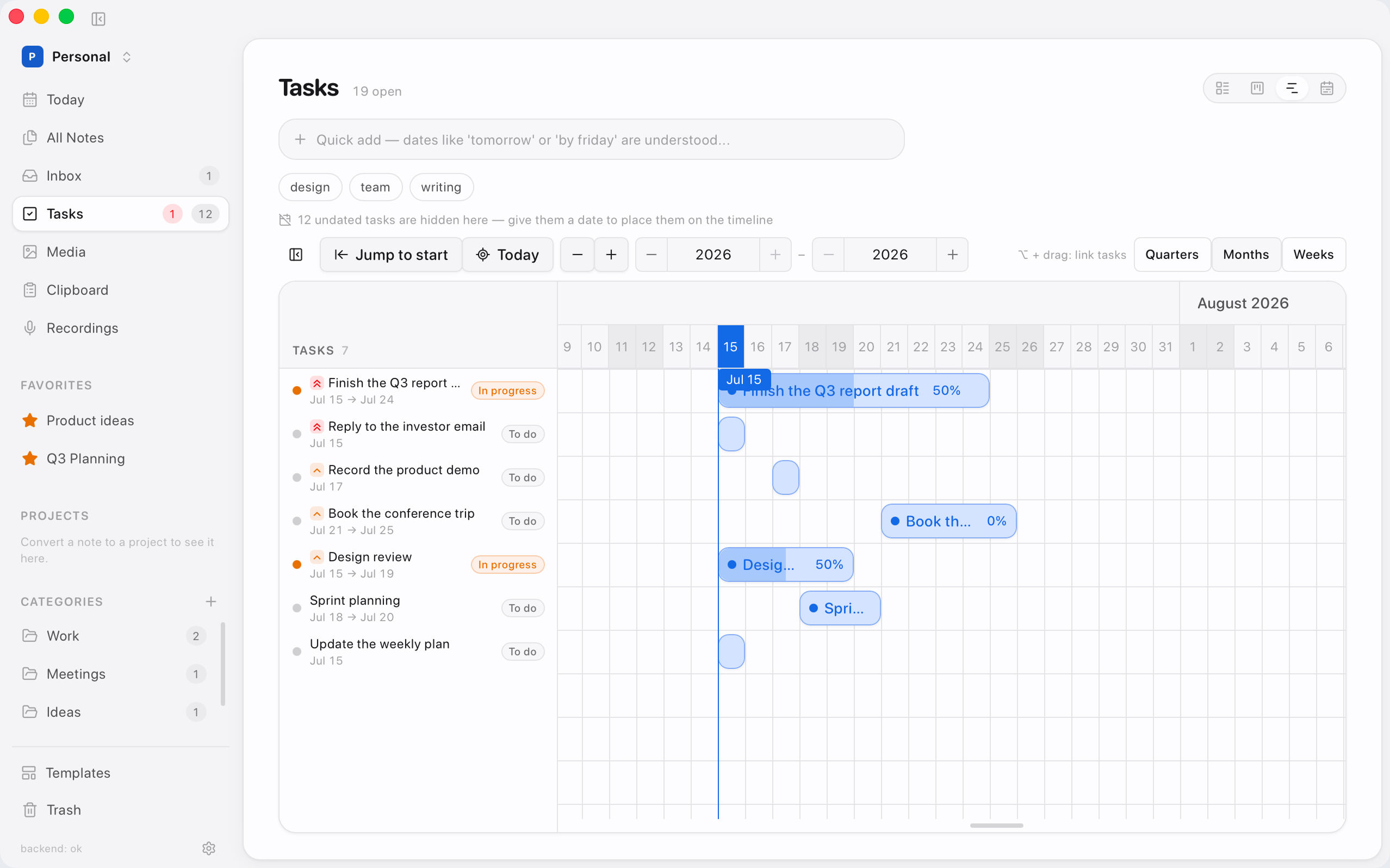
Turn any note into a project. Track work as a list, a board, or a timeline — with priorities, due dates and subtasks.
Record on-device, get a time-stamped transcript, then an AI summary. Audio never leaves your machine.
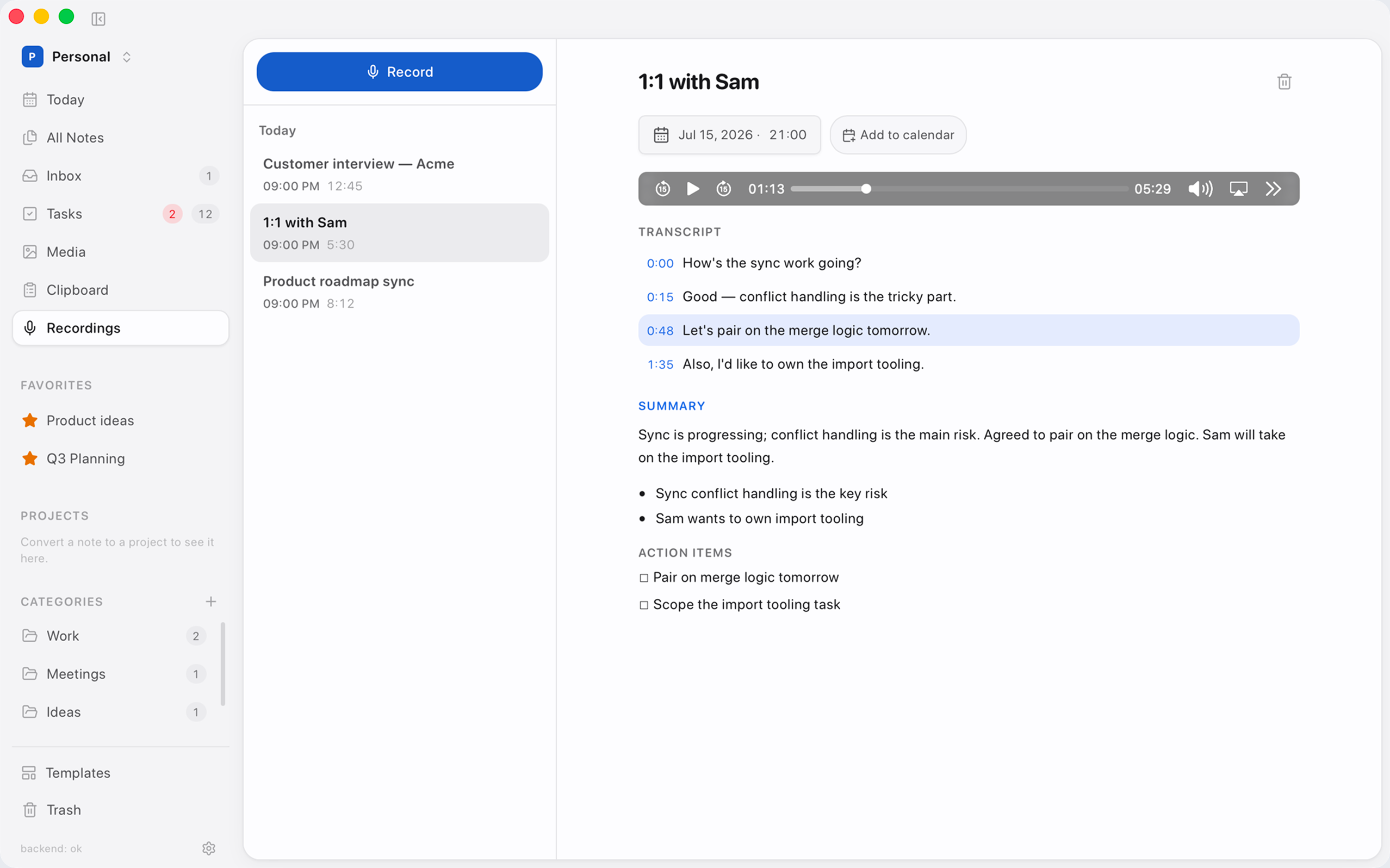
Due dates flow to Apple Calendar through EventKit. Your schedule and your notes finally agree.
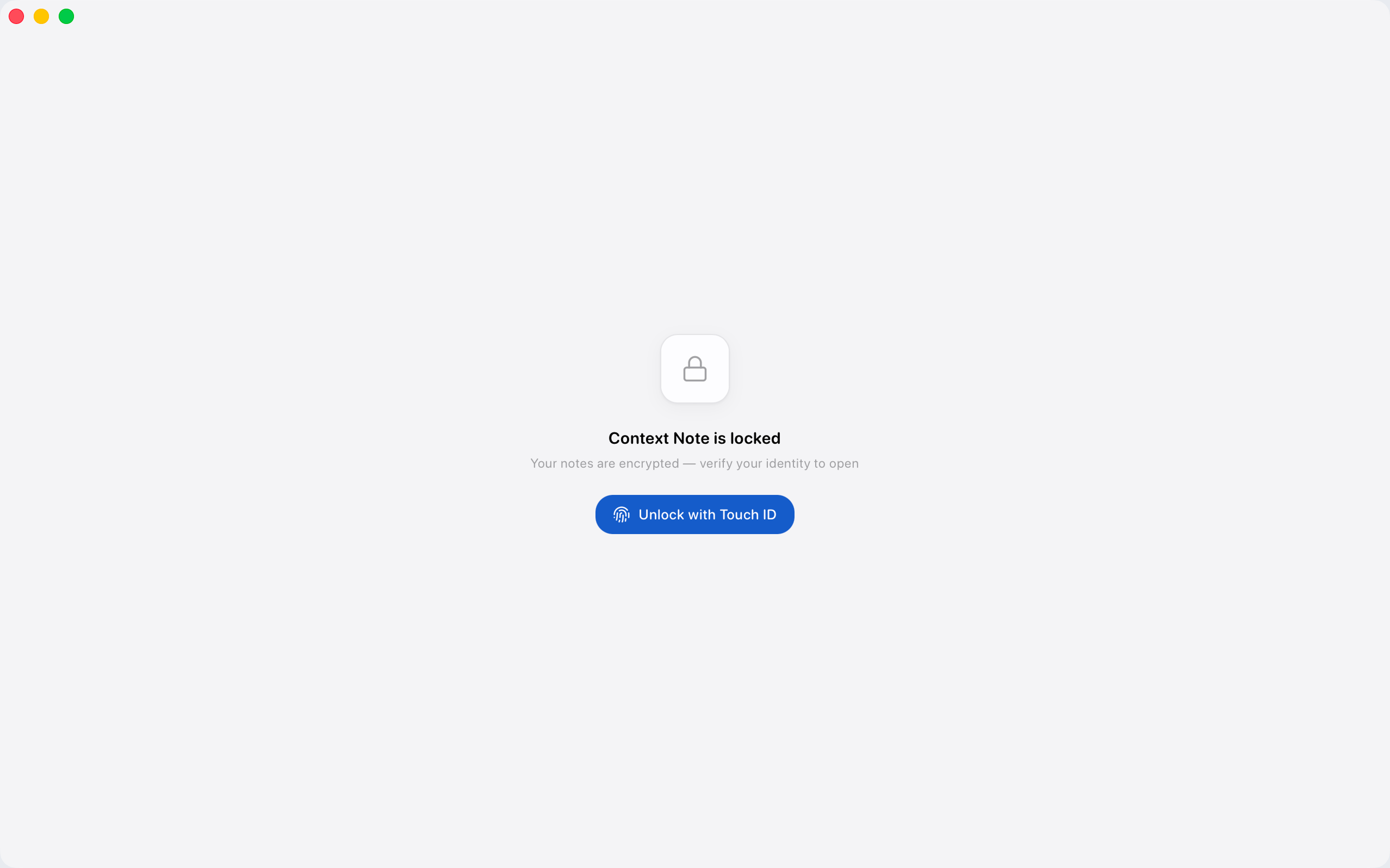
Fully local by default. Your notes live in an encrypted database, unlocked with Touch ID. Optional online features stay off until you turn them on.
Unlock with Touch ID
SQLCipher · AES-256 · Keychain
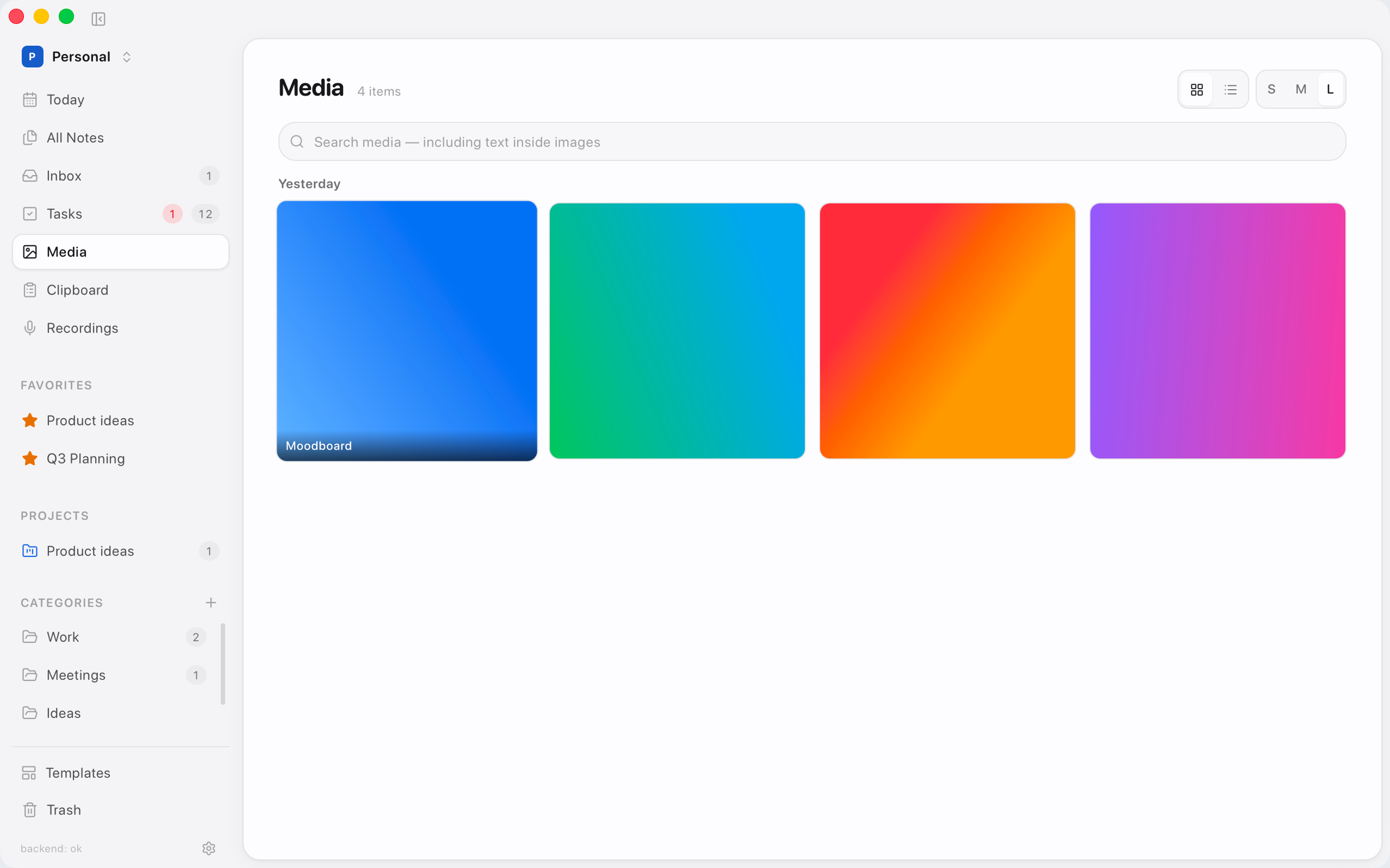
Images live with your notes. Search by name — and by text inside screenshots with on-device OCR.
Everything included
Notes, tasks, meetings and capture — without bolting six apps together.
Local by default. Online only when you opt in — and free for waitlist members before paid launch.
Join free on the waitlistLocal-first by default
Notes, tasks and meetings live in an encrypted local database. Optional online features — like publishing a blog on your domain — stay off until you turn them on, and can be shut off anytime.
“Private by design doesn’t mean stuck offline forever — it means the network is a choice, not a requirement.”

Context
Notes become projects. Meetings become action items. Capture drops into an Inbox — one continuous thread instead of six apps.
Access
Join early for free access on macOS. After early access, Context Note becomes a paid product for new customers waitlist members keep free access.
Leave your email. That’s the only thing we need no account, no payment today.
Waitlist members are invited in waves and get free access while we open the product.
After early access, new customers will pay. If you’re on the waitlist, your free access is locked in as described in your invite.
Local-first stays the default
Core notes never need the cloud. Optional online features (like a blog on your domain) will be opt-in and can be turned off anytime.
Questions
Straight answers about privacy, optional online features, access and pricing.
Yes. Context Note is local-first: notes, tasks and meeting transcripts live on your Mac in an open, portable format. There is no required cloud account for the core app. Online features are optional, off by default, and only leave your machine when you deliberately enable them.
It ships fully local today. Later we plan optional online capabilities — for example publishing a personal blog on your own domain. Those stay opt-in: you can leave them off, or turn them off anytime and keep a completely local notebook. The core app never depends on the network.
The AI runs on-device, Apple's Foundation Models or a local model like Ollama, so prompts stay on your Mac. It only ever suggests; nothing is changed without your approval. Prefer your own provider? Bring your own API key instead.
Completely. Notes, search, tasks, meetings and on-device AI all work with no connection. Optional online features only need the internet when you choose to use them.
Through a folder you already control, like iCloud Drive or Dropbox. Notes are stored as plain markdown, so they stay portable and readable anywhere, with no proprietary format locking you in.
Waitlist members get free access when we open invites. After that early period the app will become paid for new customers. Joining the waitlist is the way to secure free early access, leave your email and we will invite you in waves.
Context Note is built for macOS first, with deep native integrations, menu bar capture, global shortcuts, Spotlight and more. It's a Mac app to its core, not a web page in a window.
Join the waitlist below. Waitlist members receive free access as we roll out in waves. After that free early-access window, Context Note will move to a paid model for new users. Your email is the only thing we ask for.
Join the waitlist for free early access on macOS. Later it becomes paid — waitlist members keep free access.